LibreChat是什么 | About LibreChat
- LibreChat是一个革命性的人工智能聊天机器人,采用了先进的技术,如OpenAI、GPT-4 Vision、Bing、Anthropic、OpenRouter、Google Gemini等。LibreChat完全开源,支持自托管,为用户提供了极大的灵活性和自定义选项。
- LibreChat is a revolutionary artificial intelligence chatbot that adopts advanced technologies such as OpenAI, GPT-4 Vision, Bing, Anthropic, OpenRouter, Google Gemini, etc. LibreChat is fully open source and supports self-hosting, providing users with great flexibility and customization options.
📌 使用 npm 本地安装 LibreChat | Install LibreChat Locally Using npm
🔧 前提条件 | Prerequisites
-
Node.js 18+:
- 官网下载链接:nodejs.org/en/download
- Official download: nodejs.org/en/download
-
Git:
- 安装指南:git-scm.com/download/
- Installation guide: git-scm.com/download/
-
MongoDB (可选) | MongoDB (Optional):
- 云托管方案 | Cloud-hosted solution:
MongoDB Atlas (cloud.mongodb.com) - 本地部署方案 | Self-hosted solution:
MongoDB Community Server (mongodb.com/try)
- 云托管方案 | Cloud-hosted solution:
🚀 安装流程 | Installation Process
1. 克隆仓库 | Clone Repository
git clone https://github.com/danny-avila/LibreChat.git
cd LibreChat  # 进入项目目录 | Enter project directory
2. 配置文件 | Configure Environment
# Windows 用户用 copy 命令 | Windows users use copy command
cp .env.example .env
- 配置数据库 | Configure Database:
在.env文件中设置MONGO_URI
SetMONGO_URIin.envfile
示例/Example:mongodb://localhost:27017/LibreChat
3. 安装依赖 | Install Dependencies
npm ci # 严格依赖安装 | Strict dependency installation
4. 构建前端 | Build Frontend
npm run frontend # 生成静态资源 | Generate static assets
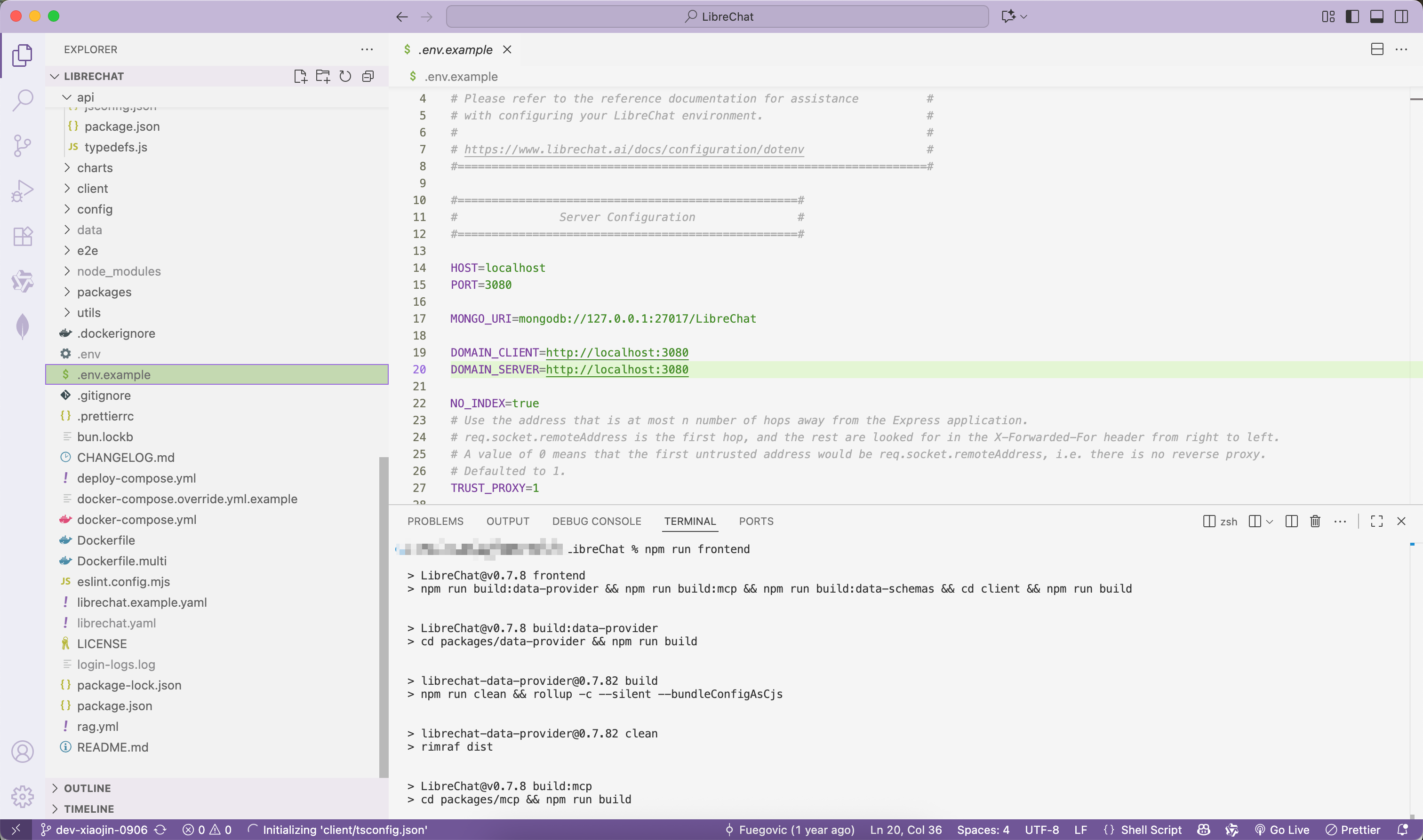
5. 启动服务 | Start Backend
npm run backend # 运行Node.js服务器 | Run Node.js server
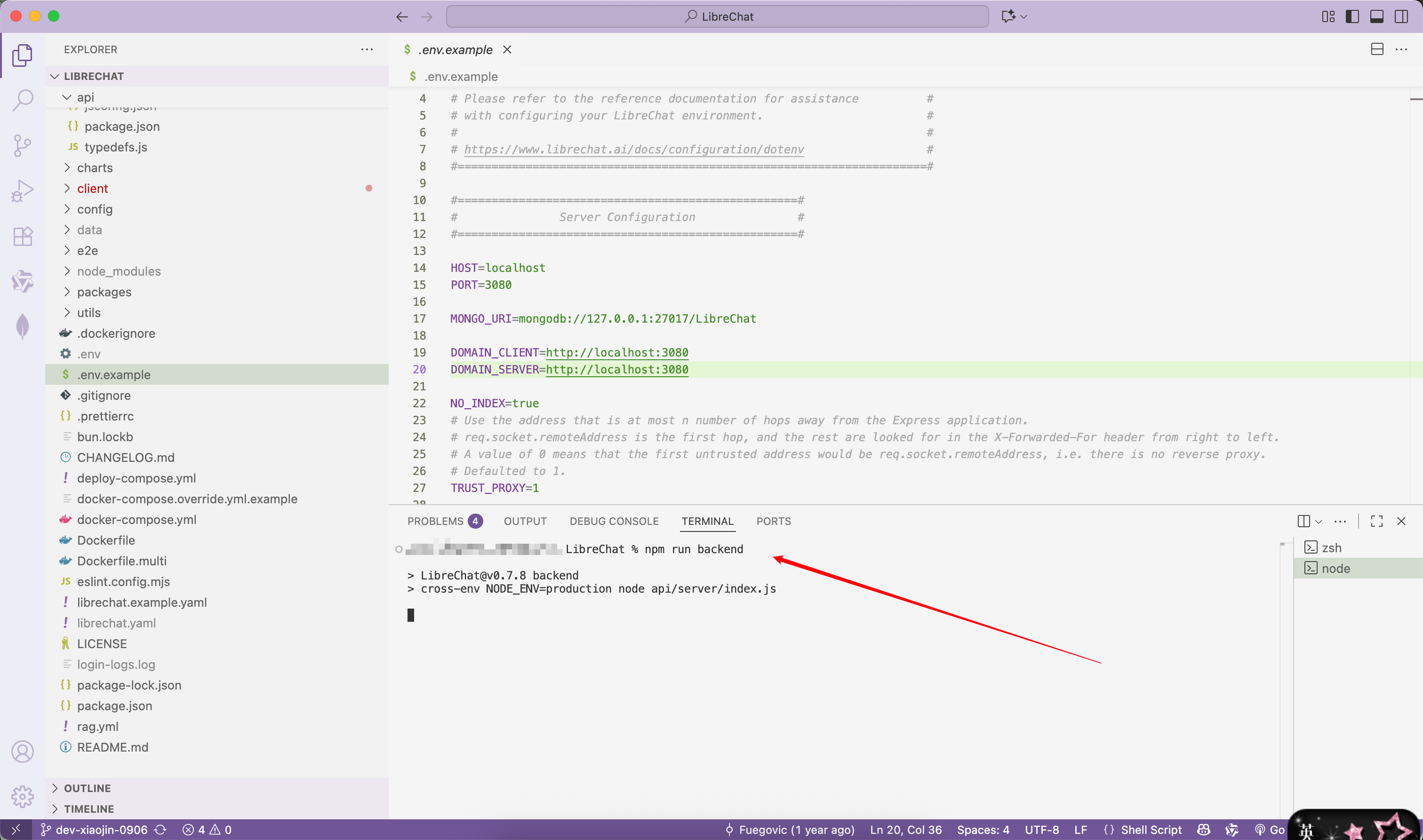
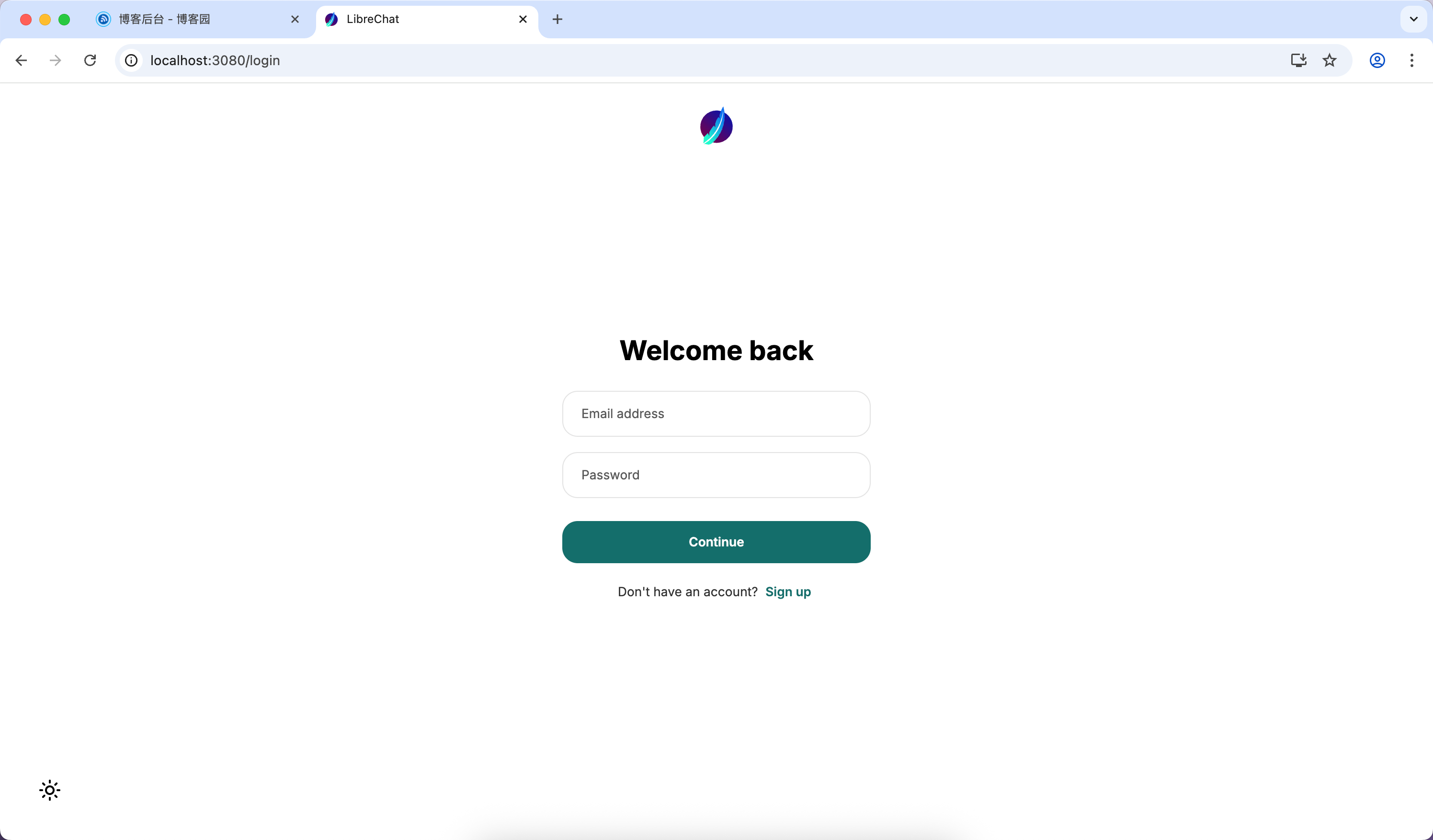
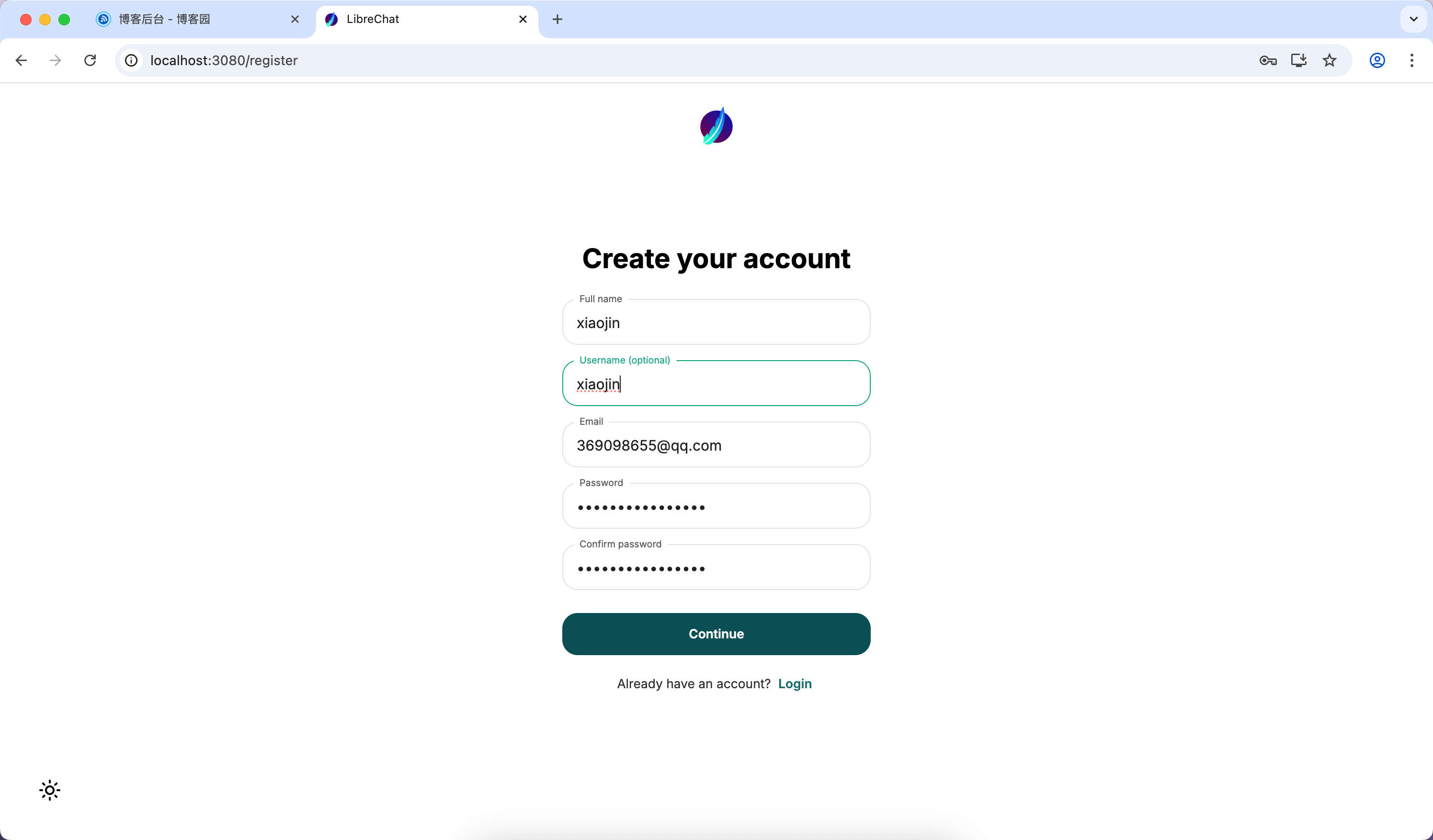
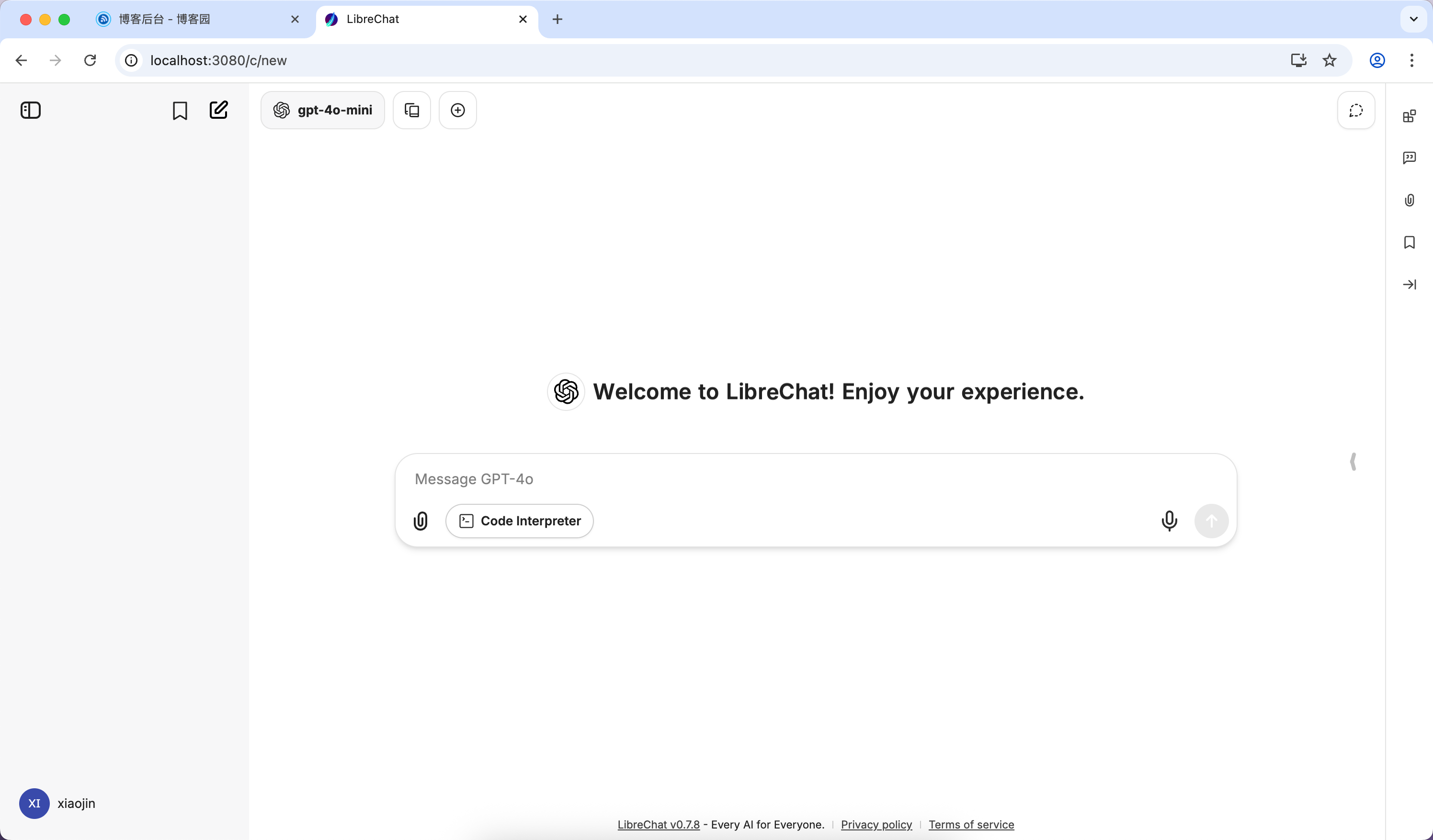
6. 访问应用 | Access Application
打开浏览器访问:http://localhost:3080
Open browser at:http://localhost:3080
🔄 更新指南 | Update Guide
-
停止服务 | Stop Running Instance
Ctrl+C终止进程
Terminate process withCtrl+C -
同步最新代码 | Sync Latest Code
git pull origin main -
清理缓存 | Clean Cache
npm run clean -
重建前端 | Rebuild Frontend
npm run frontend -
重启服务 | Restart Service
npm run backend
⚙️ 高级配置 | Advanced Configurations
| 功能 | Function | 配置说明 | Configuration |
|---|---|---|---|
| 向量搜索 | Vector Search | 需安装Meilisearch | Requires Meilisearch setup |
| 自定义API | Custom APIs | 修改.env的API_ENDPOINT |
Edit API_ENDPOINT in .env |
| 多模型支持 | Multi-Model | 配置多个OPENAI_MODELS |
Configure multiple OPENAI_MODELS |
| 身份验证 | Authentication | 启用ALLOW_SOCIAL_LOGIN |
Enable ALLOW_SOCIAL_LOGIN |
🛠️ 故障排查 | Troubleshooting
-
端口冲突 | Port Conflict
# 修改端口号 | Change port number echo PORT=4000 >> .env -
依赖安装失败 | Dependency Failure
rm -rf node_modules # 删除依赖 | Remove dependencies npm cache clean --force # 清理缓存 | Clear cache npm ci # 重新安装 | Reinstall -
MongoDB连接问题 | MongoDB Connection
检查防火墙是否开放27017端口
Check firewall for port 27017 access
📚 完整文档资源 | Full Documentation
- GitHub 仓库:github.com/danny-avila/LibreChat
- 官方文档站:www.librechat.ai/docs
- Discord 社区:discord.gg/weRG8K5ned
Conclusion | 结语
-
That's all for today~ - | 今天就写到这里啦~
-
Guys, ( ̄ω ̄( ̄ω ̄〃 ( ̄ω ̄〃)ゝ See you tomorrow~~ | 小伙伴们,( ̄ω ̄( ̄ω ̄〃 ( ̄ω ̄〃)ゝ我们明天再见啦~~
-
Everyone, be happy every day! 大家要天天开心哦
-
Welcome everyone to point out any mistakes in the article~ | 欢迎大家指出文章需要改正之处~
-
Learning has no end; win-win cooperation | 学无止境,合作共赢
-
Welcome all the passers-by, boys and girls, to offer better suggestions! ~~~ | 欢迎路过的小哥哥小姐姐们提出更好的意见哇~~