安装环境
# 创建python 环境
conda create -n testdemo python=3.11
# 激活环境 testdemo
conda activate testdemo
pip install locust
test_yace.py
# -*- coding: utf-8 -*-from locust import HttpUser, task, between, constantclass WebsiteUser(HttpUser):# wait_time = between(5, 15) # 设置用户之间请求等待的时间范围# 设置用户等待时间分布,这里使用常数等待时间以便更好地控制wait_time = constant(0.001) # 假设每个请求之间没有时间间隔,以秒为单位@taskdef post_request(self):# 假设你的 API 接收 JSON 格式的 POST 数据payload = {"xx": "xx","xx": "xx","xx": "xx"}# 发送 POST 请求到指定的 URL,并携带 JSON 数据# self.client.post("xxx", json=payload, catch_response=True)# self.client.post("/xx", json=payload)#self.client.get("/test")self.client.get("/healthz")运行测试
locust -f test_yace.py --host=http://0.0.0.0:18881
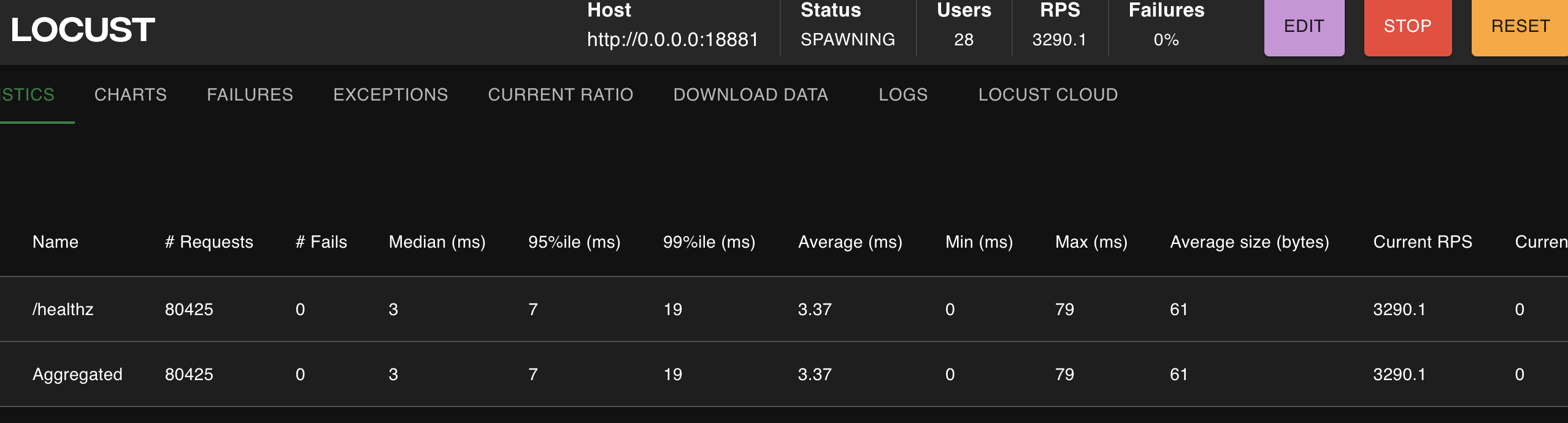
运行示例
启动页面
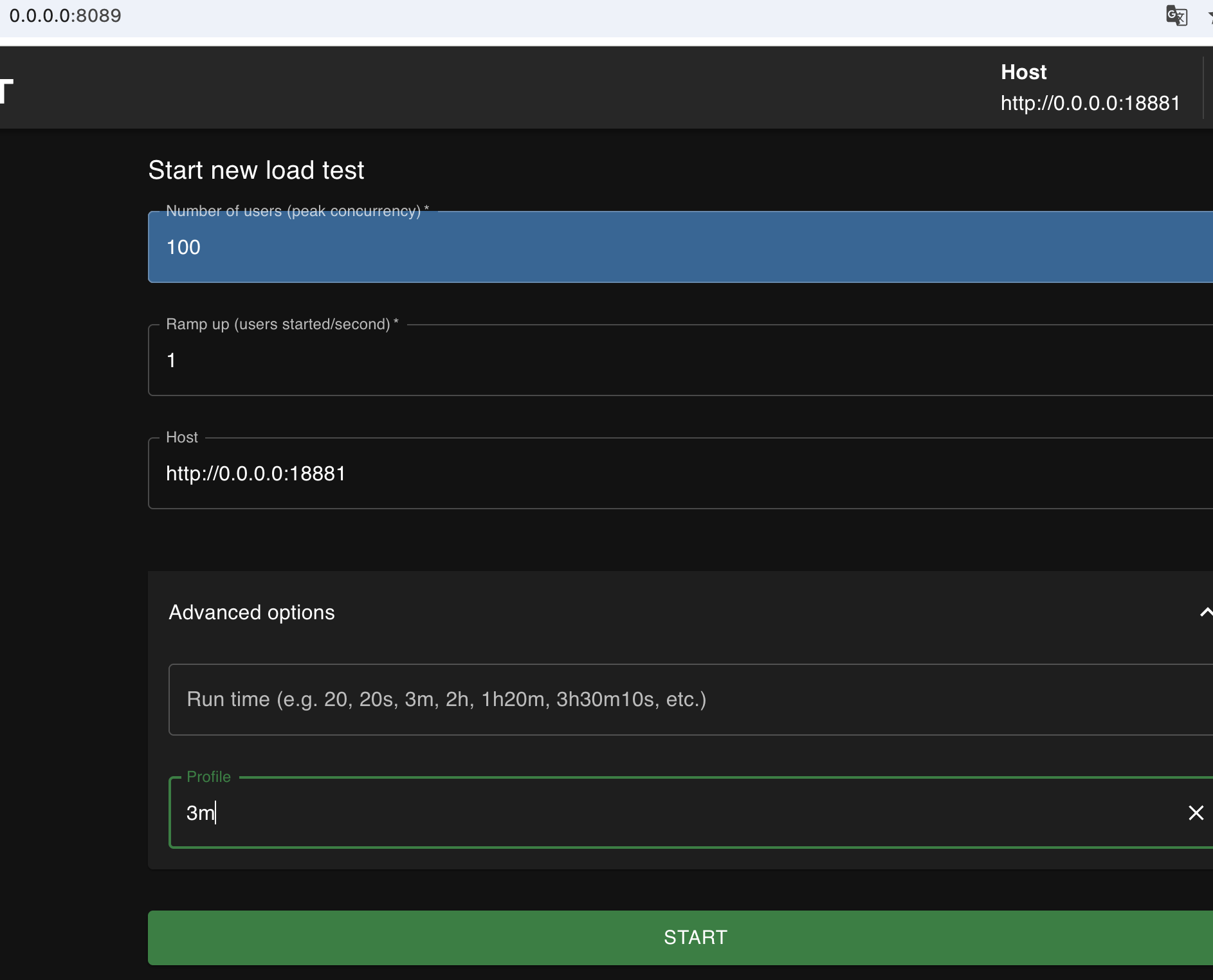
运行页面