

参考:https://blog.csdn.net/lph159/article/details/143783520
操作流程
win11是:设置-网络和Internet-手动设置代理

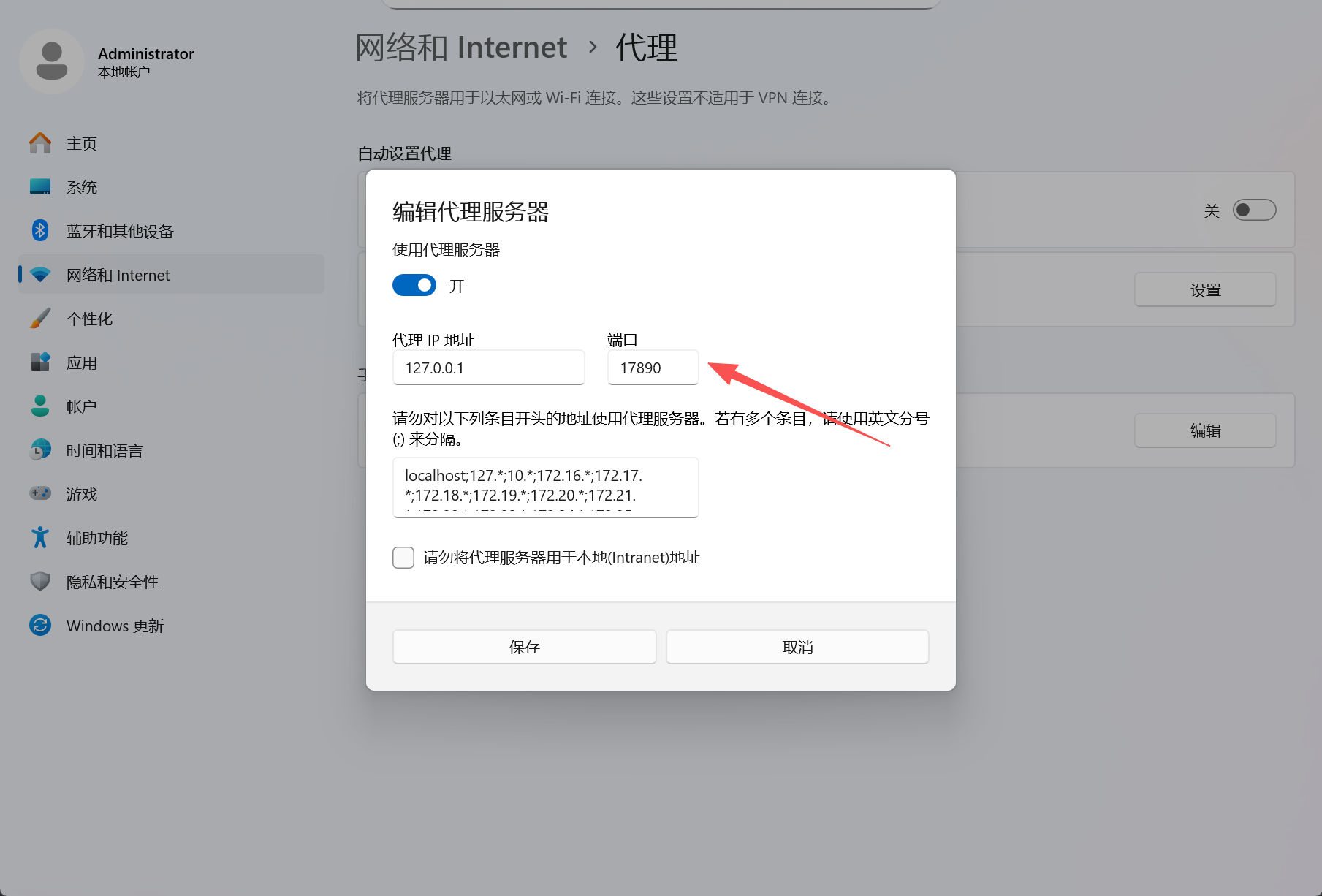
如果你的梯子打开了这边会显示已开启,然后复制这个端口号,我的是17890
接着取命令框里面替换输入
git config --global http.proxy http://127.0.0.1:17890
git config --global https.proxy http://127.0.0.1:17890
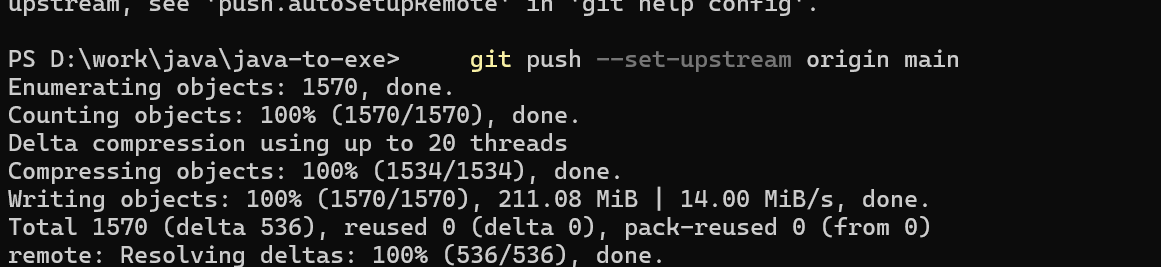
可以了