

参考
https://github.com/containerd/containerd/blob/main/docs/getting-started.md
假如主机没有网络或者yum apt源无法安装containerd可以使用离线安装方式
- 环境查看
系统环境
$ cat /etc/redhat-release
Rocky Linux release 10.1 (Red Quartz)
$ uname -a
Linux iZ7xvg439r071687uibrilZ 6.12.0-55.41.1.el10_0.x86_64 #1 SMP PREEMPT_DYNAMIC Fri Oct 31 14:20:11 UTC 2025 x86_64 GNU/Linux
- 下载安装
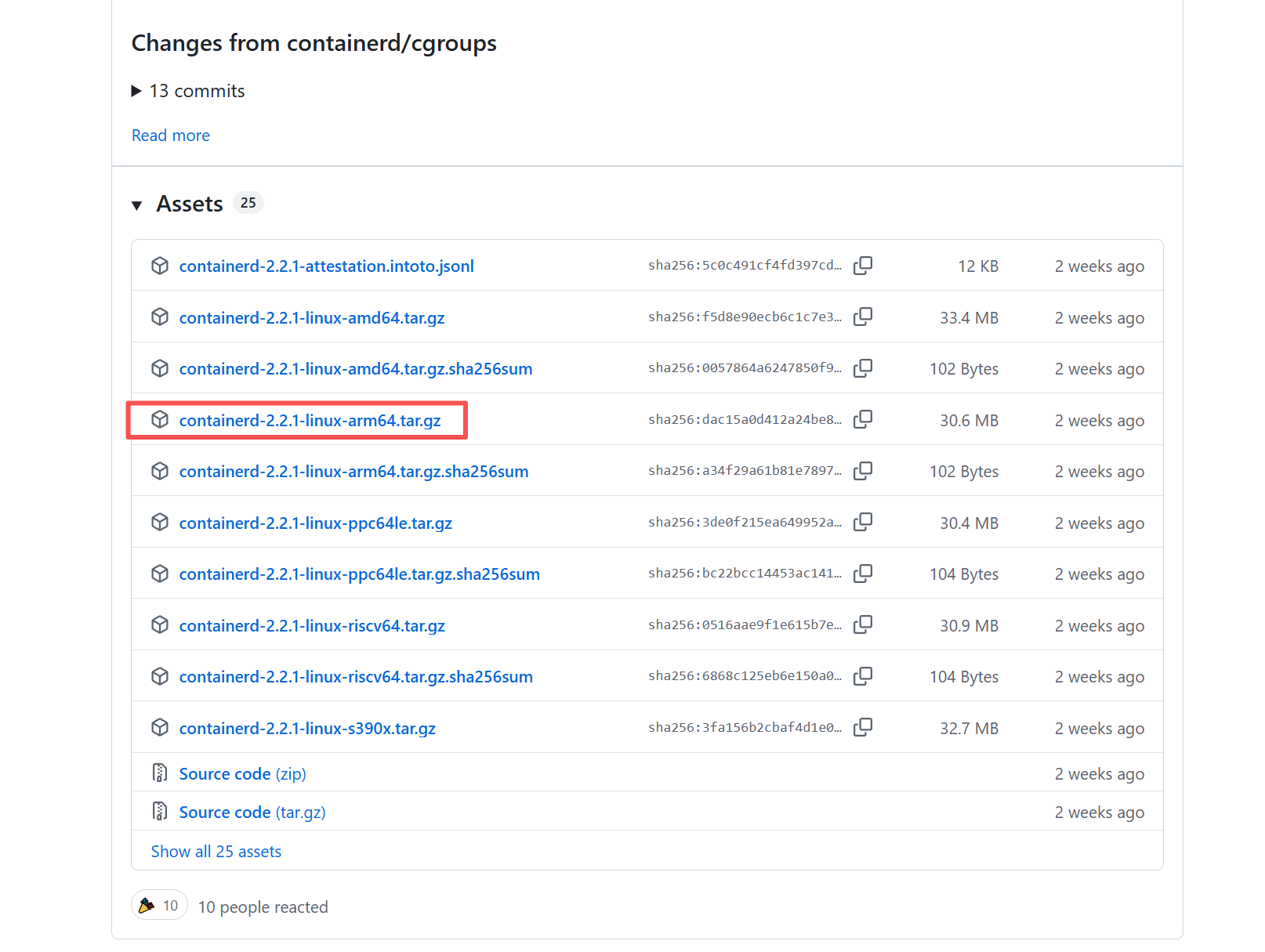
下载离线包
下载地址:https://github.com/containe![image]()
本次下载
放置在目录
# 目录
/usr/local
# 解压出可执行文件在bin目录
$ tar Cxzvf /usr/local containerd-1.6.2-linux-amd64.tar.gz
bin/
bin/containerd-shim-runc-v2
bin/containerd-shim
bin/ctr
bin/containerd-shim-runc-v1
bin/containerd
bin/containerd-stress
设置systemctl
下载地址: https://raw.githubusercontent.com/containerd/containerd/main/containerd.service
# cat /usr/lib/systemd/system/containerd.service
# Copyright The containerd Authors.
#
# Licensed under the Apache License, Version 2.0 (the "License");
# you may not use this file except in compliance with the License.
# You may obtain a copy of the License at
#
#     http://www.apache.org/licenses/LICENSE-2.0
#
# Unless required by applicable law or agreed to in writing, software
# distributed under the License is distributed on an "AS IS" BASIS,
# WITHOUT WARRANTIES OR CONDITIONS OF ANY KIND, either express or implied.
# See the License for the specific language governing permissions and
# limitations under the License.[Unit]
Description=containerd container runtime
Documentation=https://containerd.io
After=network.target dbus.service[Service]
ExecStartPre=-/sbin/modprobe overlay
ExecStart=/usr/local/bin/containerdType=notify
Delegate=yes
KillMode=process
Restart=always
RestartSec=5# Having non-zero Limit*s causes performance problems due to accounting overhead
# in the kernel. We recommend using cgroups to do container-local accounting.
LimitNPROC=infinity
LimitCORE=infinity# Comment TasksMax if your systemd version does not supports it.
# Only systemd 226 and above support this version.
TasksMax=infinity
OOMScoreAdjust=-999[Install]
WantedBy=multi-user.target
启动
# systemctl daemon-reload
# systemctl enable containerd
# systemctl start containerd