

加密后效果:
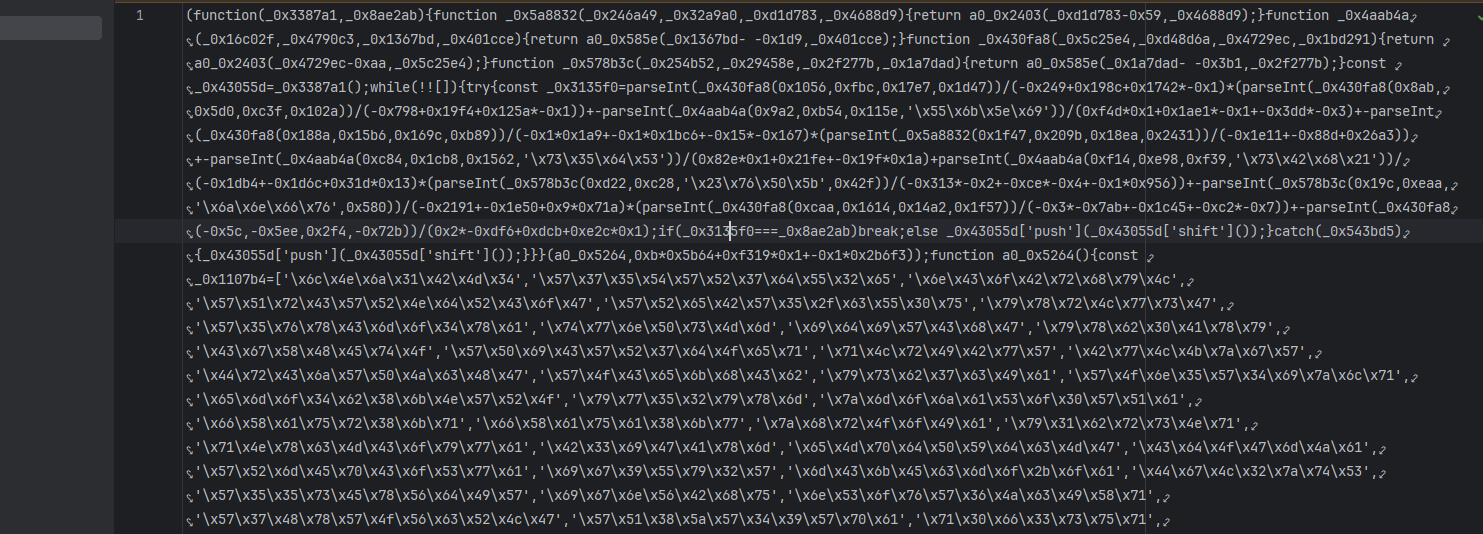
步骤(如果没有nodejs环境需要安装nodejs环境:https://blog.nanzhi.vip/?article_id=9&type=url):
1.安装插件:npm install -g javascript-obfuscator
2.创建文件obfuscation-config.json (名称可自定义)
json文件内容:
{
"compact": true,
"controlFlowFlattening": true,
"controlFlowFlatteningThreshold": 1,
"deadCodeInjection": true,
"deadCodeInjectionThreshold": 0.4,
"debugProtection": true,
"debugProtectionInterval": 2000,
"disableConsoleOutput": true,
"identifierNamesGenerator": "hexadecimal",
"log": false,
"numbersToExpressions": true,
"renameGlobals": true,
"selfDefending": true,
"simplify": true,
"splitStrings": true,
"splitStringsChunkLength": 5,
"stringArray": true,
"stringArrayEncoding": ["rc4", "base64"],
"stringArrayIndexShift": true,
"stringArrayWrappersCount": 2,
"stringArrayWrappersChainedCalls": true,
"stringArrayWrappersParametersMaxCount": 4,
"stringArrayWrappersType": "function",
"stringArrayThreshold": 1,
"transformObjectKeys": true,
"unicodeEscapeSequence": true
}
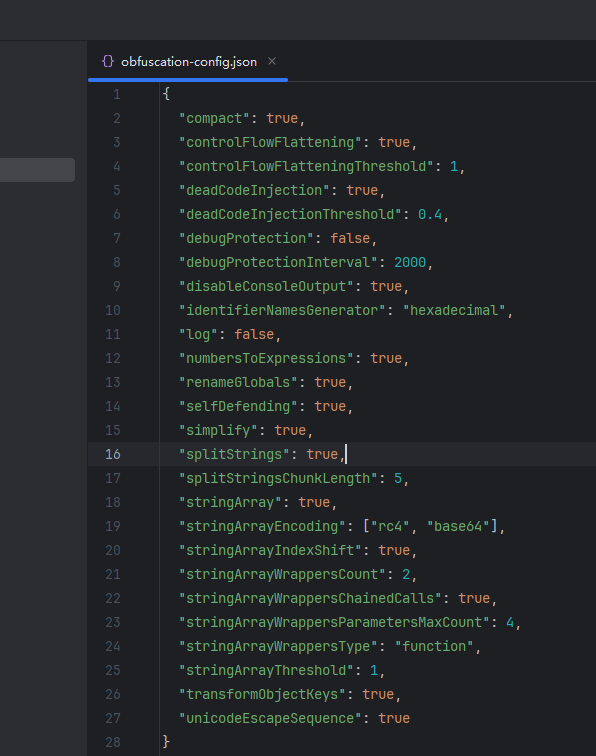
3.运行混淆命令:
javascript-obfuscator 你的js文件.js --output 输出的文件名.js --config obfuscation-config.json
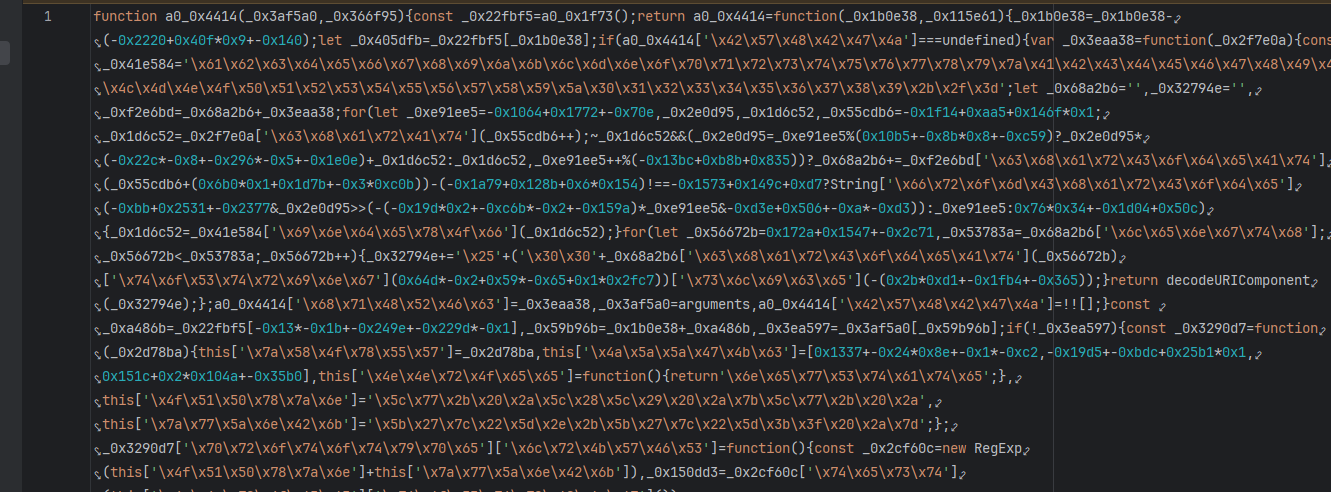
4.生成混淆文件成功

============.json说明==================
配置项
作用
推荐值
controlFlowFlattening
控制流扁平化,打乱代码执行流程
true
deadCodeInjection
注入无用代码增加阅读难度
true
debugProtection
防止在开发者工具中调试
true
identifierNamesGenerator
使用十六进制替换变量名
"hexadecimal"
stringArrayEncoding
对字符串进行加密
["rc4", "base64"]
unicodeEscapeSequence
使用Unicode转义字符
true
selfDefending
防止代码被格式化
true
=============(可选)去掉.js后缀不影响执行,这样即可看起来像个txt文档,其实是个可执行的js=============
1.重命名js文件把.js删掉ps:把xxx.js改为xxx
引入方式:
<script src="xxx" type="text/javascript"></script>
2.在服务器上设置,在server配置块中添加以下代码
# 特定无后缀JS文件配置
location = 你的js文件位置如 /js/xxx {
# 正确的MIME类型设置
types { }
default_type application/javascript;
# 缓存设置
expires 1y;
add_header Cache-Control "public, immutable";
add_header X-Content-Type-Options nosniff;
}
# 其他location配置...
location / {
try_files $uri $uri/ =404;
}
location ~ \.js$ {
expires 1y;
add_header Cache-Control "public, immutable";
}