

1.首先安装社区维护的ntfs工具。
brew tap gromgit/homebrew-fuse
#### brew install ntfs-3g
2.然后就是mount啦
这里的/dev/diskXsY 就是自己看啦,看到下面是没有externatl(外部拓展这一项的,或者使用磁盘工具,如果插上了u盘也是可以看到的)
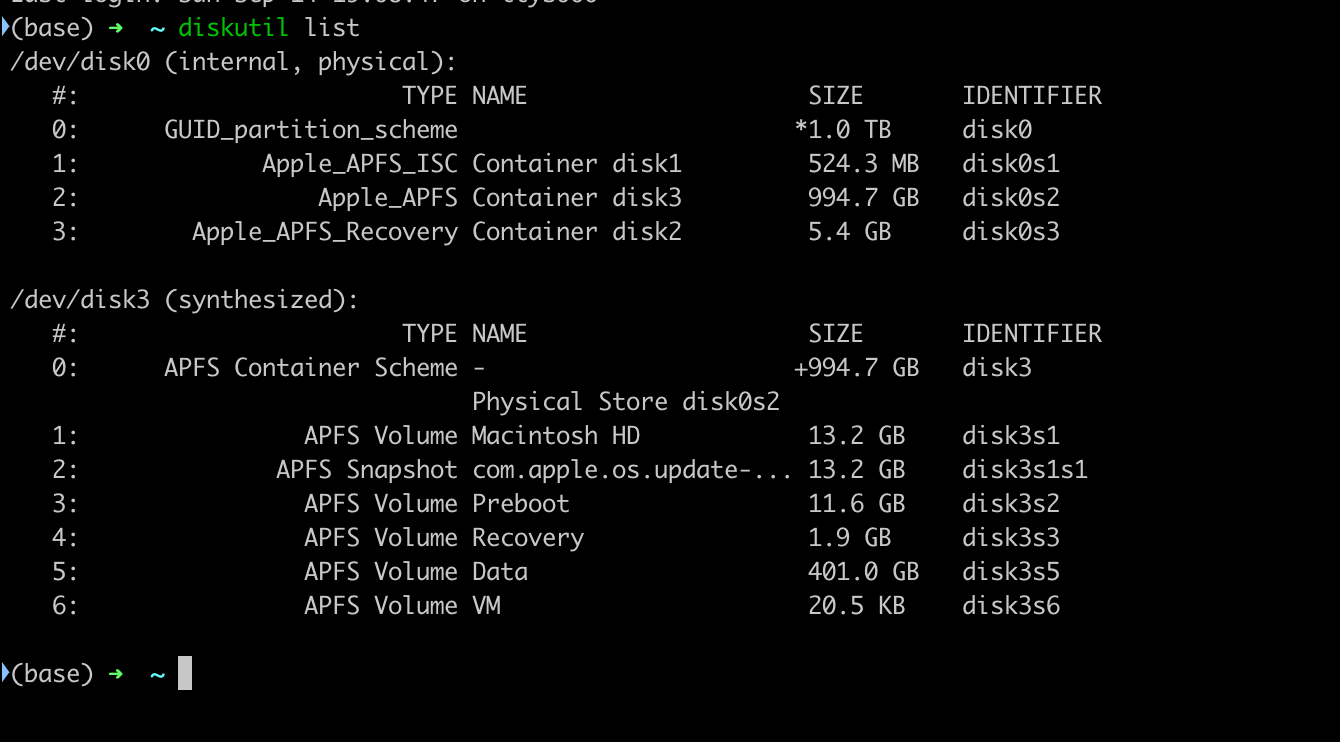
然后使用命令
mkdir  /Volumes/NTFS
sudo mount -t ntfs-3g /dev/diskXsY /Volumes/NTFS -o local -o allow_other
就可以挂载磁盘了